Nonprofit Technology
Thinking About Switching Nonprofit Software? How to Do It Without Losing Your Data or Your Mind

May 19, 2026
The short answer: You can switch nonprofit software without losing data if you treat it like a real project with a plan, an owner, and a calendar. Export everything from your current system first, confirm the files are complete and readable, then run the old and new systems side by side for a short window so you are never without a working tool. Only after you reconcile the numbers and prove the new system holds your records do you turn the old one off. A switch goes badly when it is rushed and owned by nobody, and it goes fine when you sequence it carefully.
A lot of nonprofits stay on software they quietly can't stand. Not because it works, but because the thought of switching is scarier than the daily annoyance. Years of donor history live in that system. Nobody wants to be the person who moved everything and lost a decade of records on their watch.
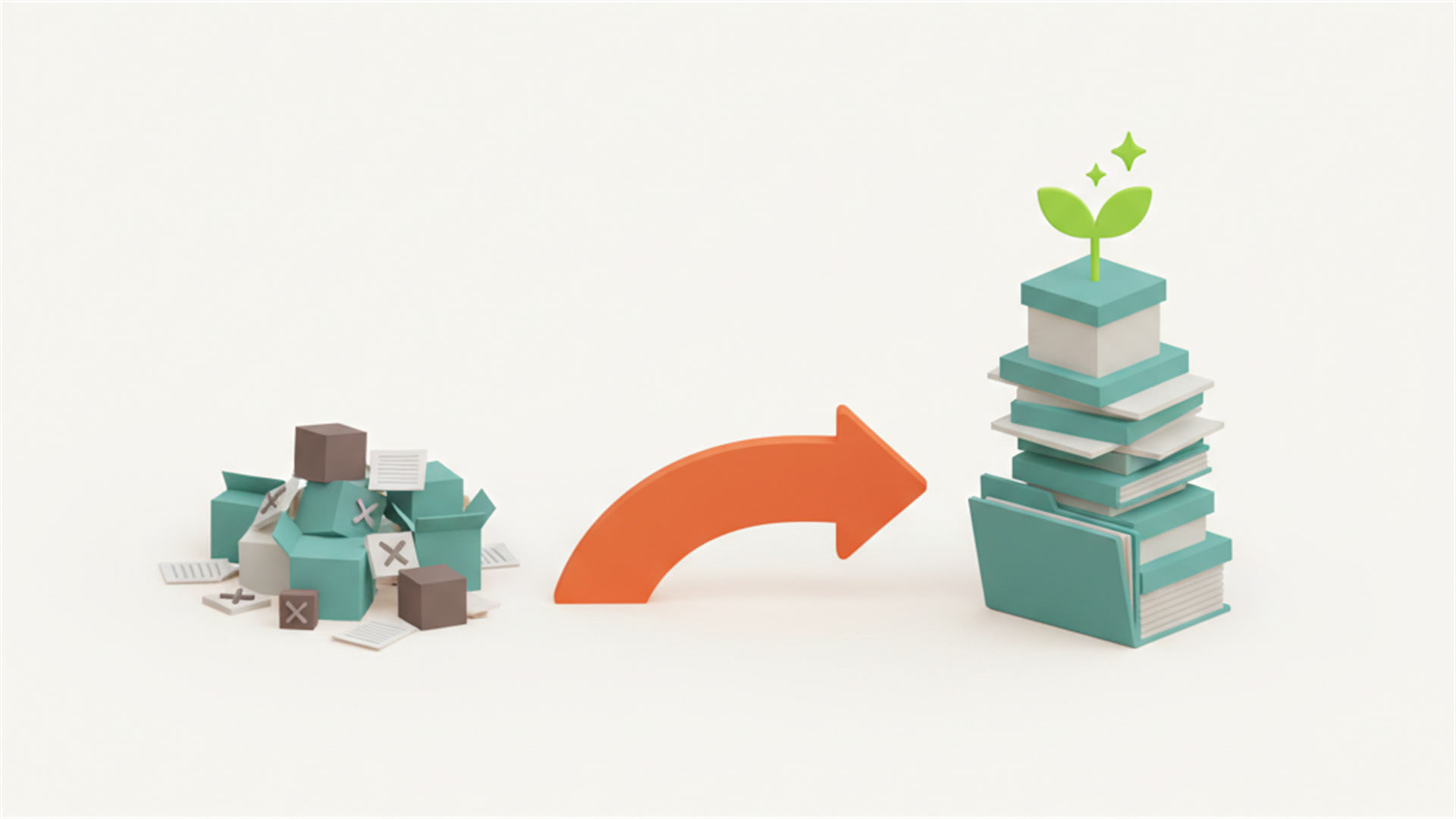
That fear is reasonable. It's also beatable. A switch goes badly when it's rushed, undocumented, and owned by nobody. It goes fine when you treat it like the project it actually is, with a plan, an owner, and a calendar. Here's how the organizations that switch without drama pull it off.
Name what you're actually afraid of
Almost all migration dread comes down to four worries, and each one has a plain answer.
Losing data. The fix is sequence. You get a full export out of your current system first, confirm it's complete and readable, and only then start moving. You never delete anything in the old system until the new one is proven.
Downtime. You run the old and new side by side for a short window, so there's never a day you're without a working system. The old one becomes a read-only safety net while the new one takes over.
Retraining the team. You pick a moment that isn't your busiest season, give people a week to find their footing, and expect a dip before the lift. Every new system feels slower for about two weeks and faster forever after.
Trading one bad fit for another. You test the new system against your real workflow before you commit, not against a tidy sales demo built on someone else's data. If it can't handle your actual mess, better to learn that now than in month three.
Step one: get your data out and look at it
Before you fall for anything new, export everything from your current system: constituents, full gift history, recurring donors, pledges, events, and the notes your team has left over the years. Most platforms export to a spreadsheet or CSV. Do it, open the files, and actually read them.
This does two jobs. It proves your data is portable, which tells you something useful about the vendor you're leaving. And it shows you the shape your data is in. You'll almost always find duplicates, half-empty fields, and three spellings of the same last name. That mess is far cheaper to clean in a spreadsheet before the move than to drag into a new system and trip over later.
Step two: treat the switch as the moment to consolidate
Here's the part people miss. If you're already moving, don't just port your scattered mess from one tool into another and call it done. A switch is the rare, already-paid-for chance to pull your pieces, donations here, email there, the events spreadsheet, the finances off to the side, into one place. The goal is a single source of truth, so the next few years come out simpler than the last few were. You're already doing the hard part. Aim it at the bigger win.
Step three: pin the new vendor down on migration
When you talk to any new system, ask the unglamorous questions before the shiny ones:
• Will you help us import our data, and what does that cost? Get it in writing.
• What comes over cleanly, and what has to be re-entered by hand?
• How long does a typical migration take for an organization our size?
• Who, specifically, do we call the week something breaks?
• Can we export everything back out later if we ever decide to leave?
A vendor that answers these plainly is one you can trust with the rest. A vendor that waves them off is quietly telling you who'll be doing the heavy lifting later, and it won't be them. That last question matters most: a company confident in its value won't hold your data hostage to keep you.
Step four: run parallel, then cut over with proof
For a couple of weeks, keep the old system alive as a read-only backup while the new one becomes home base. Move your active work over first, this season's donors, the next campaign, the upcoming events, rather than ten years of history in one gulp. Reconcile at least once, matching the numbers in the new system against the old, so you know they agree. Then turn the old one off because you checked, not because you crossed your fingers.
Give it one owner
Pick one person to own the switch end to end, even when several people pitch in. Migrations stall when everyone assumes someone else is watching the deadline. Give that owner the authority to make calls and a realistic timeline, most small-org migrations run a few weeks, not a few days, and then protect that window from the usual fire drills.
The switch is worth it more often than people think
The cost of staying on the wrong system gets paid every single week, in workarounds, missed reports, slow answers, and the donor who slipped through a crack nobody noticed. The cost of switching gets paid once, on a schedule you control, with a clear end date. Put it that way and the math usually favors moving. Staying put only feels safer because the cost is spread thin enough to stop seeing it.
A place to start
If you want a practical, no-cost picture of how a well-run nonprofit's systems fit together, from finances and grants to volunteers and donor engagement, we put together a free Nonprofit Operations Guide. No catch.
Get the free guide
And if you're weighing a switch and want to see how Argenta brings donors, fundraising, events, and accounting into one system, there's a Book A Demo button right on that page. We'll give you the straight answers on migration, cost, and timeline too, before you commit to anything.Frequently asked questions
How do I switch nonprofit software without losing my donor data?
Start by exporting everything from your current system: constituents, full gift history, recurring donors, pledges, events, and your team's notes. Confirm the files are complete and readable before you move anything, and never delete records in the old system until the new one is proven. Run both systems side by side for a short window, reconcile the numbers, then cut over.
What should I export before migrating to a new system?
Export your full constituent list, complete gift and donation history, recurring donors, pledges, event records, and any notes your team has left over the years. Most platforms export to a spreadsheet or CSV. Open the files and actually read them, because this proves your data is portable and shows you where the duplicates and half-empty fields are.
How long does a nonprofit software migration take?
For most small organizations a migration runs a few weeks, not a few days. Ask any new vendor how long a typical migration takes for an organization your size, and build a realistic timeline around it. Expect a short dip in speed for about two weeks as the team finds its footing, then a steady lift after that.
How do I avoid downtime when switching systems?
Run the old and new systems side by side for a couple of weeks so there is never a day without a working tool. Keep the old system as a read-only safety net while the new one becomes home base. Move your active work over first, this season's donors and the next campaign, rather than ten years of history in one gulp.
What questions should I ask a vendor about migration?
Ask whether they will help you import your data and what that costs, what comes over cleanly versus what has to be re-entered by hand, how long a typical migration takes for your size, and who specifically you call the week something breaks. Most important, ask whether you can export everything back out later if you ever decide to leave. A vendor that answers these plainly is one you can trust.
Should I clean up or consolidate my data during a switch?
Yes. A switch is the rare, already-paid-for chance to pull scattered pieces, donations in one place, email in another, the events spreadsheet, the finances off to the side, into a single source of truth. Clean the duplicates and inconsistent spellings in a spreadsheet before the move rather than dragging the mess into a new system. An all-in-one platform built for nonprofits like Argenta is designed to hold donors, fundraising, events, and accounting together so the next few years come out simpler than the last few.
A lot of nonprofits stay on software they quietly can't stand. Not because it works, but because the thought of switching is scarier than the daily annoyance. Years of donor history live in that system. Nobody wants to be the person who moved everything and lost a decade of records on their watch.
That fear is reasonable. It's also beatable. A switch goes badly when it's rushed, undocumented, and owned by nobody. It goes fine when you treat it like the project it actually is, with a plan, an owner, and a calendar. Here's how the organizations that switch without drama pull it off.
Name what you're actually afraid of
Almost all migration dread comes down to four worries, and each one has a plain answer.
Losing data. The fix is sequence. You get a full export out of your current system first, confirm it's complete and readable, and only then start moving. You never delete anything in the old system until the new one is proven.
Downtime. You run the old and new side by side for a short window, so there's never a day you're without a working system. The old one becomes a read-only safety net while the new one takes over.
Retraining the team. You pick a moment that isn't your busiest season, give people a week to find their footing, and expect a dip before the lift. Every new system feels slower for about two weeks and faster forever after.
Trading one bad fit for another. You test the new system against your real workflow before you commit, not against a tidy sales demo built on someone else's data. If it can't handle your actual mess, better to learn that now than in month three.
Step one: get your data out and look at it
Before you fall for anything new, export everything from your current system: constituents, full gift history, recurring donors, pledges, events, and the notes your team has left over the years. Most platforms export to a spreadsheet or CSV. Do it, open the files, and actually read them.
This does two jobs. It proves your data is portable, which tells you something useful about the vendor you're leaving. And it shows you the shape your data is in. You'll almost always find duplicates, half-empty fields, and three spellings of the same last name. That mess is far cheaper to clean in a spreadsheet before the move than to drag into a new system and trip over later.
Step two: treat the switch as the moment to consolidate
Here's the part people miss. If you're already moving, don't just port your scattered mess from one tool into another and call it done. A switch is the rare, already-paid-for chance to pull your pieces, donations here, email there, the events spreadsheet, the finances off to the side, into one place. The goal is a single source of truth, so the next few years come out simpler than the last few were. You're already doing the hard part. Aim it at the bigger win.
Step three: pin the new vendor down on migration
When you talk to any new system, ask the unglamorous questions before the shiny ones:
• Will you help us import our data, and what does that cost? Get it in writing.
• What comes over cleanly, and what has to be re-entered by hand?
• How long does a typical migration take for an organization our size?
• Who, specifically, do we call the week something breaks?
• Can we export everything back out later if we ever decide to leave?
A vendor that answers these plainly is one you can trust with the rest. A vendor that waves them off is quietly telling you who'll be doing the heavy lifting later, and it won't be them. That last question matters most: a company confident in its value won't hold your data hostage to keep you.
Step four: run parallel, then cut over with proof
For a couple of weeks, keep the old system alive as a read-only backup while the new one becomes home base. Move your active work over first, this season's donors, the next campaign, the upcoming events, rather than ten years of history in one gulp. Reconcile at least once, matching the numbers in the new system against the old, so you know they agree. Then turn the old one off because you checked, not because you crossed your fingers.
Give it one owner
Pick one person to own the switch end to end, even when several people pitch in. Migrations stall when everyone assumes someone else is watching the deadline. Give that owner the authority to make calls and a realistic timeline, most small-org migrations run a few weeks, not a few days, and then protect that window from the usual fire drills.
The switch is worth it more often than people think
The cost of staying on the wrong system gets paid every single week, in workarounds, missed reports, slow answers, and the donor who slipped through a crack nobody noticed. The cost of switching gets paid once, on a schedule you control, with a clear end date. Put it that way and the math usually favors moving. Staying put only feels safer because the cost is spread thin enough to stop seeing it.
A place to start
If you want a practical, no-cost picture of how a well-run nonprofit's systems fit together, from finances and grants to volunteers and donor engagement, we put together a free Nonprofit Operations Guide. No catch.
Get the free guide
And if you're weighing a switch and want to see how Argenta brings donors, fundraising, events, and accounting into one system, there's a Book A Demo button right on that page. We'll give you the straight answers on migration, cost, and timeline too, before you commit to anything.Frequently asked questions
How do I switch nonprofit software without losing my donor data?
Start by exporting everything from your current system: constituents, full gift history, recurring donors, pledges, events, and your team's notes. Confirm the files are complete and readable before you move anything, and never delete records in the old system until the new one is proven. Run both systems side by side for a short window, reconcile the numbers, then cut over.
What should I export before migrating to a new system?
Export your full constituent list, complete gift and donation history, recurring donors, pledges, event records, and any notes your team has left over the years. Most platforms export to a spreadsheet or CSV. Open the files and actually read them, because this proves your data is portable and shows you where the duplicates and half-empty fields are.
How long does a nonprofit software migration take?
For most small organizations a migration runs a few weeks, not a few days. Ask any new vendor how long a typical migration takes for an organization your size, and build a realistic timeline around it. Expect a short dip in speed for about two weeks as the team finds its footing, then a steady lift after that.
How do I avoid downtime when switching systems?
Run the old and new systems side by side for a couple of weeks so there is never a day without a working tool. Keep the old system as a read-only safety net while the new one becomes home base. Move your active work over first, this season's donors and the next campaign, rather than ten years of history in one gulp.
What questions should I ask a vendor about migration?
Ask whether they will help you import your data and what that costs, what comes over cleanly versus what has to be re-entered by hand, how long a typical migration takes for your size, and who specifically you call the week something breaks. Most important, ask whether you can export everything back out later if you ever decide to leave. A vendor that answers these plainly is one you can trust.
Should I clean up or consolidate my data during a switch?
Yes. A switch is the rare, already-paid-for chance to pull scattered pieces, donations in one place, email in another, the events spreadsheet, the finances off to the side, into a single source of truth. Clean the duplicates and inconsistent spellings in a spreadsheet before the move rather than dragging the mess into a new system. An all-in-one platform built for nonprofits like Argenta is designed to hold donors, fundraising, events, and accounting together so the next few years come out simpler than the last few.