Nonprofit Technology
What to Look For in Nonprofit Software: A Buyer's Checklist That Saves You From a Bad Fit
The short answer: Choose nonprofit software on what you'll live with every day, not on a polished demo or the monthly sticker price. Check that it fits your real workflows, truly connects your data into one shared record (instead of separate modules you stitch together by hand), shows its full three-year cost, lets you import your history and export everything later, comes with real human support, and will still fit as you grow. Argenta is built as one all-in-one platform for nonprofits, so the donor you add once is the same donor across fundraising, events, volunteers, and accounting. Walk away from any vendor that won't explain migration, true cost, or data export in plain words.
You pick nonprofit software once every several years, then live with the choice every single day. That's a strange kind of decision: high stakes, low practice. So a lot of organizations choose the way you'd expect, on a polished demo and a monthly price, and then spend the next three years working around the parts nobody thought to ask about.
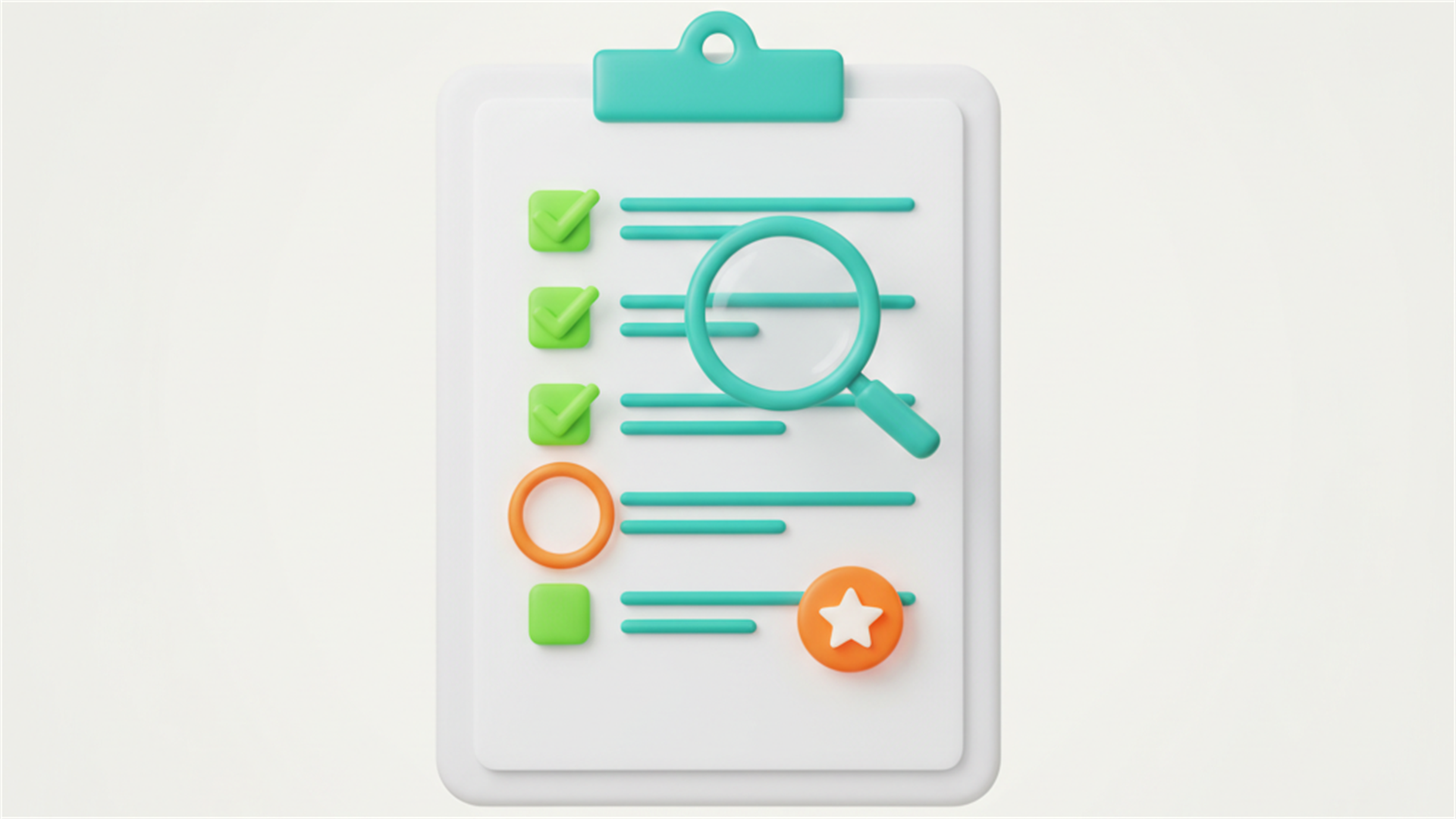
Here's a checklist to choose on what actually matters instead. Print it, bring it to every demo, and make the salesperson answer all of it out loud. The good ones will be glad you did.
1. Does it fit how you actually work?
A demo shows you the software's best day, on the vendor's clean data. Before you're wowed, write down your three or four real weekly workflows: the gift coming in and getting acknowledged, the volunteer signing up and getting scheduled, the grant report going out, the month-end close. Then ask the vendor to walk each one using messy, realistic inputs you describe. If it only shines on the happy path, you'll feel that the first week you try to do something slightly off-script.
2. Does it connect, or just claim to?
Lots of tools say all-in-one. Fewer truly are. Ask the blunt version: when I enter a gift here, does it appear in the report there automatically, or does someone still move it by hand? A real system shares one record across fundraising, events, volunteers, and accounting, so the donor you add once is the same donor everywhere. A bundle of separate modules under a single login does not, and you become the integration, copying data between tabs forever. Make them demonstrate the hand-off live, with your example.
3. What's the true cost, not the sticker?
The headline price is rarely the real one. Ask, specifically, what costs extra:
• Setup, onboarding, and training fees.
• Per-user charges as your team or volunteer base grows.
• Modules that turn out to be add-ons rather than included.
• Data migration help to get your history in.
• Support, if real human support isn't part of the base price.
• Payment processing rates, if they take a cut of every online gift.
Then add it up over three years, not one month. A cheap monthly price with a steep setup fee, per-seat creep, and paid support can quietly cost more than a higher sticker that includes everything. The three-year number is the one that matters.
4. How hard is it to get your data in, and back out?
Ask how they'll import your existing donors and history, what comes over cleanly, and what has to be re-keyed by hand. Get the migration cost in writing. Then ask the question vendors enjoy less: if we ever leave, can we export everything, including gift history and notes? A company confident in its value won't trap your data to keep you. Lock-in is a red flag, not a feature, and the time to find it is before you sign, not the day you want out.
5. Who helps when it breaks at 4 PM on a Friday?
Small teams can't afford to be stuck. Find out what support actually looks like, not what the brochure says: a real person or a ticket into the void, included or billed extra, same-day or 'we'll get back to you.' Ask how long a typical answer takes. The most powerful software on earth is worthless the week you can't reach anyone and the gala is Saturday.
6. Will your team actually use it?
The most capable system fails if your staff quietly avoids it and keeps the old spreadsheet alive in secret. Bring the people who'll live in it, the program coordinator, the bookkeeper, the volunteer manager, into the demo, not just the director. Watch their faces. If it isn't something a busy, non-technical person can pick up without a manual, it won't get used, and unused software is the most expensive kind there is.
7. Will it still fit in three years?
You're not buying for today's size. Ask what happens as you grow: more contacts, another program, a new chapter, a capital campaign, a second location. You want room to add what you need without ripping everything out and running this whole exercise again in eighteen months. A system that fits today but caps out soon is a short-term rental, not a home.
Walk away when
A few answers should end the conversation, no matter how good the demo looked:
• They can't explain migration or true cost in plain words.
• Every useful thing turns out to be an add-on.
• Support is an afterthought, or only the expensive tier gets a human.
• They won't commit to letting you export your own data later.
• The pressure to sign today is heavier than the answers to your questions.
Good vendors welcome a hard checklist. It's how they show you they have nothing to hide. Pressure to decide right now, before you've gotten your answers, usually means the answers wouldn't help their case.
A place to start
If you want a broader, no-cost picture of running a nonprofit well, from finances and grants to volunteers and donor engagement, we put together a free Nonprofit Operations Guide. No catch.
Get the free guide
And if you want to run this exact checklist against a real all-in-one, there's a Book A Demo button right on that page. We'll give you straight answers to every line of it, the cost and migration parts included, with no pressure to decide on the spot.Frequently asked questions
What should you look for when choosing nonprofit software?
Start with how you actually work, not the demo. Map your real weekly workflows (a gift coming in and getting acknowledged, a volunteer signing up, a grant report going out, the month-end close) and make the vendor walk each one using messy, realistic data. Then weigh whether it truly connects your records, what it costs over three years, how support works, and whether it will still fit as you grow.
How can you tell if nonprofit software is truly all-in-one or just bundled modules?
Ask the blunt version: when I enter a gift here, does it show up in the report there automatically, or does someone still move it by hand? A real all-in-one system shares one record across fundraising, events, volunteers, and accounting, so the donor you add once is the same donor everywhere. A bundle of separate modules under a single login makes you the integration, copying data between tabs. Make the vendor demonstrate the hand-off live with your own example.
What does nonprofit software really cost beyond the monthly price?
The headline price is rarely the real one. Ask specifically about setup, onboarding, and training fees, per-user charges as your team grows, features that turn out to be paid add-ons, data migration help, support that isn't part of the base price, and payment processing rates on every online gift. Then add it all up over three years, not one month. A cheap monthly price with a steep setup fee and paid support can quietly cost more than a higher sticker that includes everything.
Can you get your data back out if you switch nonprofit software later?
You should be able to, and you should confirm it before you sign. Ask whether you can export everything if you ever leave, including gift history and notes. A company confident in its value won't trap your data to keep you. Lock-in is a red flag, not a feature, and the time to find it is before you sign, not the day you want out.
How important is customer support when choosing nonprofit software?
It can make or break the tool, especially for a small team that can't afford to be stuck. Find out what support actually looks like: a real person or a ticket into the void, included or billed extra, same-day or 'we'll get back to you.' Ask how long a typical answer takes. The most powerful software on earth is worthless the week you can't reach anyone and the gala is Saturday.
When should you walk away from a nonprofit software vendor?
Walk away when they can't explain migration or true cost in plain words, when every useful feature turns out to be an add-on, when support is an afterthought or only the expensive tier gets a human, or when they won't commit to letting you export your own data later. Heavy pressure to sign today, before you've gotten your answers, is its own warning sign. Good vendors welcome a hard checklist because it shows they have nothing to hide.
You pick nonprofit software once every several years, then live with the choice every single day. That's a strange kind of decision: high stakes, low practice. So a lot of organizations choose the way you'd expect, on a polished demo and a monthly price, and then spend the next three years working around the parts nobody thought to ask about.
Here's a checklist to choose on what actually matters instead. Print it, bring it to every demo, and make the salesperson answer all of it out loud. The good ones will be glad you did.
1. Does it fit how you actually work?
A demo shows you the software's best day, on the vendor's clean data. Before you're wowed, write down your three or four real weekly workflows: the gift coming in and getting acknowledged, the volunteer signing up and getting scheduled, the grant report going out, the month-end close. Then ask the vendor to walk each one using messy, realistic inputs you describe. If it only shines on the happy path, you'll feel that the first week you try to do something slightly off-script.
2. Does it connect, or just claim to?
Lots of tools say all-in-one. Fewer truly are. Ask the blunt version: when I enter a gift here, does it appear in the report there automatically, or does someone still move it by hand? A real system shares one record across fundraising, events, volunteers, and accounting, so the donor you add once is the same donor everywhere. A bundle of separate modules under a single login does not, and you become the integration, copying data between tabs forever. Make them demonstrate the hand-off live, with your example.
3. What's the true cost, not the sticker?
The headline price is rarely the real one. Ask, specifically, what costs extra:
• Setup, onboarding, and training fees.
• Per-user charges as your team or volunteer base grows.
• Modules that turn out to be add-ons rather than included.
• Data migration help to get your history in.
• Support, if real human support isn't part of the base price.
• Payment processing rates, if they take a cut of every online gift.
Then add it up over three years, not one month. A cheap monthly price with a steep setup fee, per-seat creep, and paid support can quietly cost more than a higher sticker that includes everything. The three-year number is the one that matters.
4. How hard is it to get your data in, and back out?
Ask how they'll import your existing donors and history, what comes over cleanly, and what has to be re-keyed by hand. Get the migration cost in writing. Then ask the question vendors enjoy less: if we ever leave, can we export everything, including gift history and notes? A company confident in its value won't trap your data to keep you. Lock-in is a red flag, not a feature, and the time to find it is before you sign, not the day you want out.
5. Who helps when it breaks at 4 PM on a Friday?
Small teams can't afford to be stuck. Find out what support actually looks like, not what the brochure says: a real person or a ticket into the void, included or billed extra, same-day or 'we'll get back to you.' Ask how long a typical answer takes. The most powerful software on earth is worthless the week you can't reach anyone and the gala is Saturday.
6. Will your team actually use it?
The most capable system fails if your staff quietly avoids it and keeps the old spreadsheet alive in secret. Bring the people who'll live in it, the program coordinator, the bookkeeper, the volunteer manager, into the demo, not just the director. Watch their faces. If it isn't something a busy, non-technical person can pick up without a manual, it won't get used, and unused software is the most expensive kind there is.
7. Will it still fit in three years?
You're not buying for today's size. Ask what happens as you grow: more contacts, another program, a new chapter, a capital campaign, a second location. You want room to add what you need without ripping everything out and running this whole exercise again in eighteen months. A system that fits today but caps out soon is a short-term rental, not a home.
Walk away when
A few answers should end the conversation, no matter how good the demo looked:
• They can't explain migration or true cost in plain words.
• Every useful thing turns out to be an add-on.
• Support is an afterthought, or only the expensive tier gets a human.
• They won't commit to letting you export your own data later.
• The pressure to sign today is heavier than the answers to your questions.
Good vendors welcome a hard checklist. It's how they show you they have nothing to hide. Pressure to decide right now, before you've gotten your answers, usually means the answers wouldn't help their case.
A place to start
If you want a broader, no-cost picture of running a nonprofit well, from finances and grants to volunteers and donor engagement, we put together a free Nonprofit Operations Guide. No catch.
Get the free guide
And if you want to run this exact checklist against a real all-in-one, there's a Book A Demo button right on that page. We'll give you straight answers to every line of it, the cost and migration parts included, with no pressure to decide on the spot.Frequently asked questions
What should you look for when choosing nonprofit software?
Start with how you actually work, not the demo. Map your real weekly workflows (a gift coming in and getting acknowledged, a volunteer signing up, a grant report going out, the month-end close) and make the vendor walk each one using messy, realistic data. Then weigh whether it truly connects your records, what it costs over three years, how support works, and whether it will still fit as you grow.
How can you tell if nonprofit software is truly all-in-one or just bundled modules?
Ask the blunt version: when I enter a gift here, does it show up in the report there automatically, or does someone still move it by hand? A real all-in-one system shares one record across fundraising, events, volunteers, and accounting, so the donor you add once is the same donor everywhere. A bundle of separate modules under a single login makes you the integration, copying data between tabs. Make the vendor demonstrate the hand-off live with your own example.
What does nonprofit software really cost beyond the monthly price?
The headline price is rarely the real one. Ask specifically about setup, onboarding, and training fees, per-user charges as your team grows, features that turn out to be paid add-ons, data migration help, support that isn't part of the base price, and payment processing rates on every online gift. Then add it all up over three years, not one month. A cheap monthly price with a steep setup fee and paid support can quietly cost more than a higher sticker that includes everything.
Can you get your data back out if you switch nonprofit software later?
You should be able to, and you should confirm it before you sign. Ask whether you can export everything if you ever leave, including gift history and notes. A company confident in its value won't trap your data to keep you. Lock-in is a red flag, not a feature, and the time to find it is before you sign, not the day you want out.
How important is customer support when choosing nonprofit software?
It can make or break the tool, especially for a small team that can't afford to be stuck. Find out what support actually looks like: a real person or a ticket into the void, included or billed extra, same-day or 'we'll get back to you.' Ask how long a typical answer takes. The most powerful software on earth is worthless the week you can't reach anyone and the gala is Saturday.
When should you walk away from a nonprofit software vendor?
Walk away when they can't explain migration or true cost in plain words, when every useful feature turns out to be an add-on, when support is an afterthought or only the expensive tier gets a human, or when they won't commit to letting you export your own data later. Heavy pressure to sign today, before you've gotten your answers, is its own warning sign. Good vendors welcome a hard checklist because it shows they have nothing to hide.