Knowledge Base Article
Add Bulk Engagements
For your convenience, Argenta lets you add an engagement to many constituents at once. This works from any constituent list.
To add an engagement to selected constituents in a list
1. From the main menu on the left, open the constituent type you want to work with under the Constituents menu (for example Donors, Members, or Volunteers).
2. Filter the list by the criteria you choose, then select the records you want. You can place a checkmark in each record's box, or open the bulk-action dropdown (labeled "- Choose Bulk Action -") and choose "Select Records Only on This Page" or "Select All Records That Meet The Current Filter Criteria."
3. In the "- Choose Bulk Action -" dropdown, choose "Add Engagements To Selected Records," then click the "Run Bulk Action" button.
This opens the Add Engagements window. Fill in the following:
Engagement Type – Choose the engagement type from the dropdown. This is a required field.
Date – Choose the engagement date with the date picker, or type a date. This is a required field and defaults to today's date.
Engagement Description – Optionally enter a description of the engagement.
When you are finished, click the "Add Engagement" button. The same engagement is added to each constituent you selected, a confirmation appears, and your selection is cleared. To close the window without making any changes, click "Cancel."
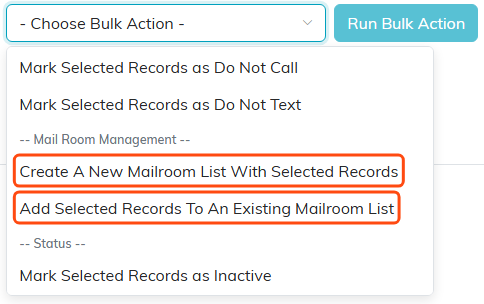
Bulk actions run against whatever you have ticked.
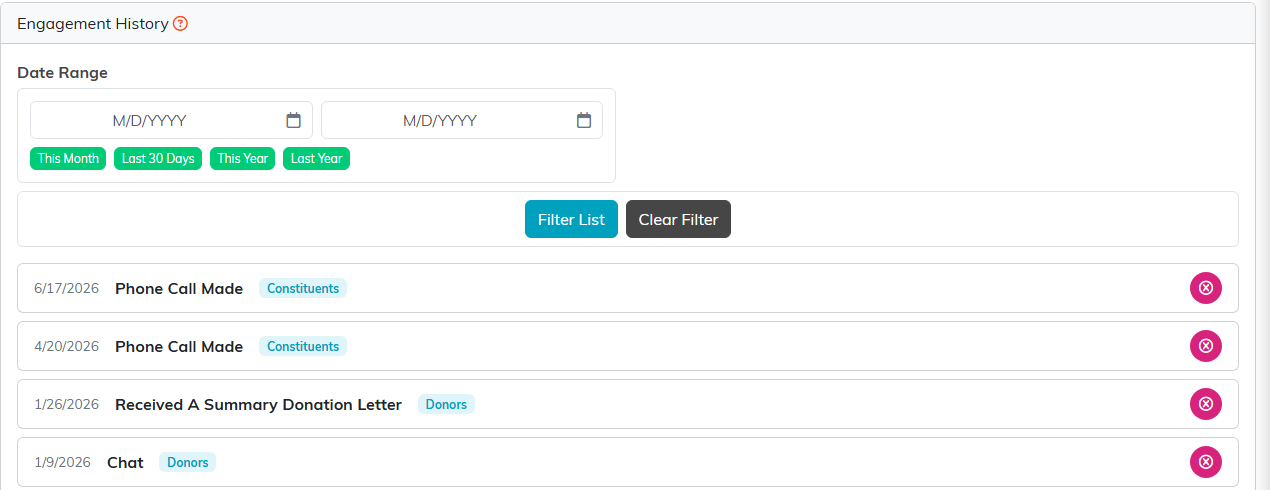
Engagement History, filtered by date range.
