Knowledge Base Article
Overview, Working with the Community Mission Project Calendar
The Community Mission Project Calendar gives you a calendar view of your mission projects and their scheduled dates. It's a quick way to see what's coming up across the month or as a running list.
Open the calendar
From the left menu, go to Mission Projects (SoaM) > Community Mission Project Calendar. A project that runs across several days shows on every day in its date range, so you can see the full span at a glance.
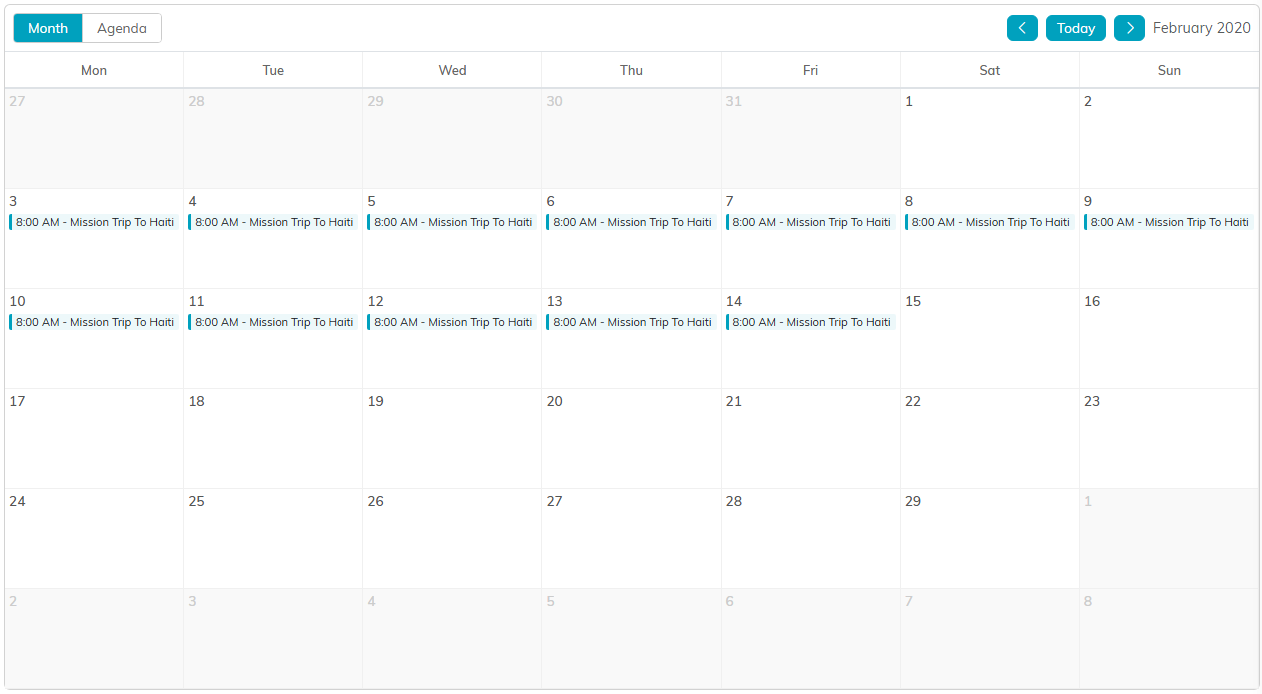
A project that spans a date range shows on every day in it.
Switch between Month and Agenda views
Use the Month and Agenda buttons at the top left of the calendar to change how your projects are shown.
- Month lays your projects out on a monthly grid. Use the arrows and the Today button on the right to move between months.
- Agenda lists the scheduled projects in date order.

Month and Agenda on the left, the month arrows and Today on the right.
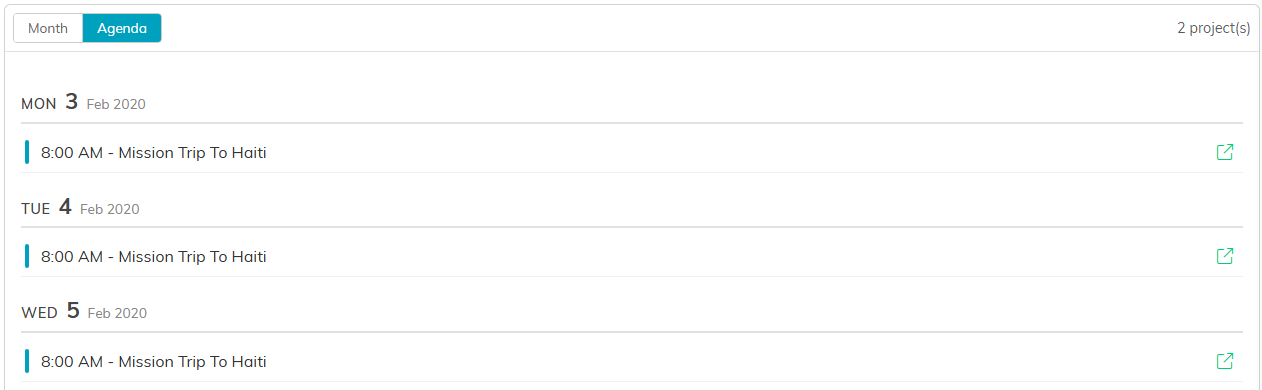
Agenda view lists the projects in date order.
Open a project
Click any project on the calendar to open its Mission Project details.

Click the project to open its details.
Export to PDF
If you're an admin or have export permission, click Export To PDF at the top of the calendar to save the current view as a PDF. The List View button next to it takes you to the Community Mission Projects list.

Both buttons sit above the calendar.
