Knowledge Base Article
How to Add Program Projected Income
Projected income helps you plan for expected revenue that will support your program.
Accessing Projected Income
- Open the program
- Click Budget & Financials in the workspace navigation
- Click the Projected Income card at the top of the page

Click the Projected Income card to open the list.
Adding Projected Income
- Click Add New Projected Income
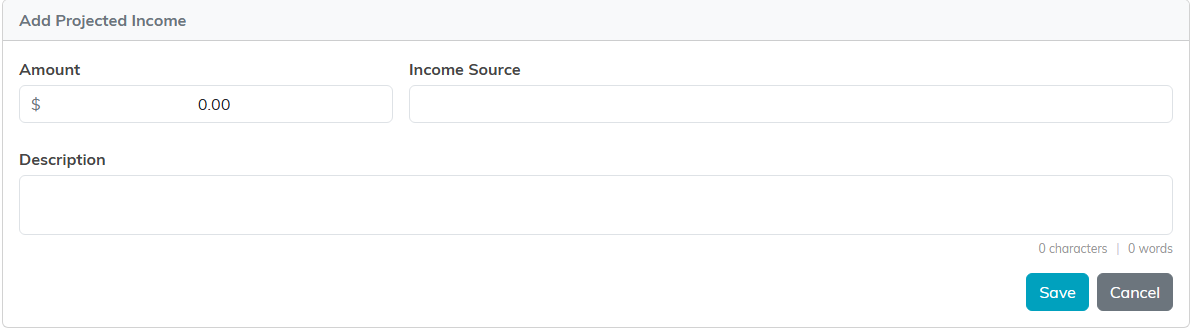
- An Add Projected Income form opens with three fields: Amount, Income Source, and Description
- Click Save to add it, or Cancel to back out

Editing and Removing Entries
Above the list, Argenta shows how many entries you have and what they total. Change Income Source, Description, or Amount right in the row and click the round save icon on that row. Click the round X icon and confirm to remove one. Each row saves on its own.

Each row saves on its own with the round save icon.
Examples of Projected Income Sources
- Grants (pending approval)
- Expected donations
- Fee-for-service revenue
- Sponsorship commitments
- Government funding
Projected vs Actual Income
Projected income is your funding plan, typed in by hand. Actual income is pulled automatically from the payments, invoices, donations, and sponsorships tied to the program, and you can see it broken out on the Actual Income card. Both appear in the Financial Summary, where only actual income counts toward Net Income.
