Knowledge Base Article
Where to find the Project List
The project list is where every project lives. Choose Workflow & Productivity > Project Management from the main menu.
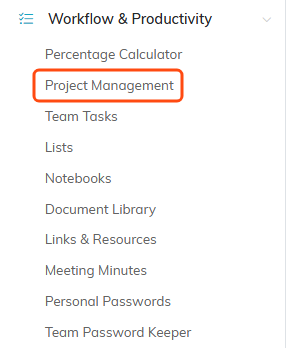
Project Management sits under Workflow & Productivity in the main menu.
What each project shows
Projects are listed as cards rather than a plain table. Each one shows:
- The project number and title, with a lock icon if the record is locked.
- A color coded status badge.
- Due Date, Assigned To, and Associated Client.
- Date Completed, Work Hours, % Complete, and Priority.
- Your organization's Chapter, Division, and Department where you use them.

One project card. The status badge sits on the right.
Narrowing the list
Open the filter panel to narrow by Project Manager, Project Status, Priority, Project Group, Project Type, Project Category, and by Chapter, Division, or Department. You can also pick a Date Type and a Date Range to limit the list to a period, which is the quickest way to answer a question like "what is due this month".
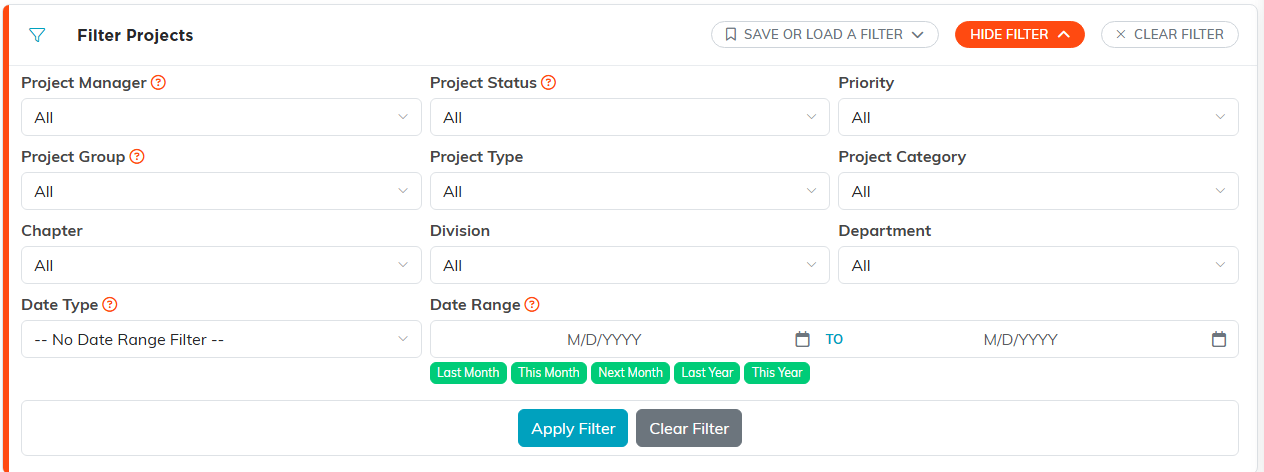
The filter panel. Show Filter opens it and Clear Filter puts the list back.
Buttons on the list
- Add A New Project creates a project and opens it straight away.
- The green open icon on a card opens that project's workspace.
- The orange copy icon copies a project into a new one, which saves re-typing everything for work you repeat.
- The pink delete icon deletes a project.
- Export downloads the list as a CSV file, which opens in Excel or any spreadsheet program.

The buttons that sit above the list.
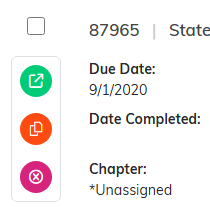
The three icons on a card, top to bottom: open, copy, delete.
Reassigning several projects at once
The list also has a reassignment panel. Choose who the projects are currently assigned to, then who to reassign them to, and Argenta moves them in one go. This is what you want when somebody leaves or changes role, instead of opening each project in turn.
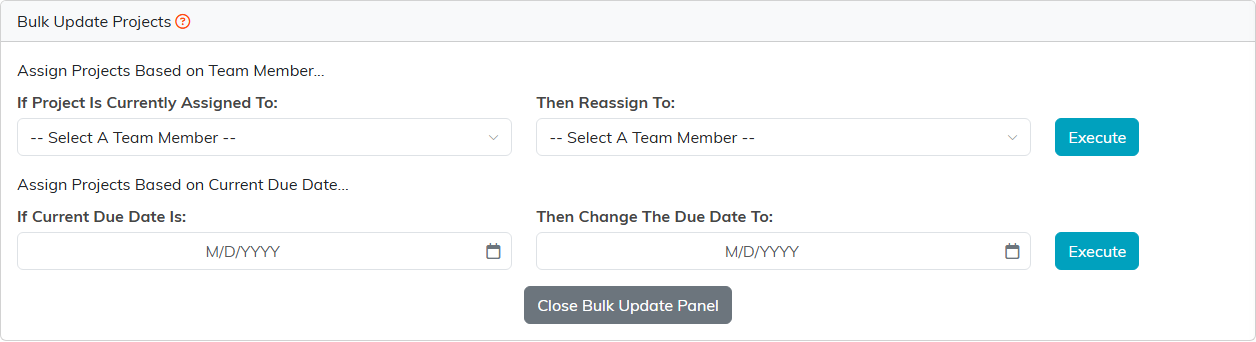
The Bulk Update panel opens below the list. Execute moves every matching project.
Other ways to see your projects
The dropdown in the title bar switches how the same projects are laid out. It offers List View, Board View, Calendar View, and Timeline View. Pick Board View to see work by stage, or Calendar and Timeline to see it by date.
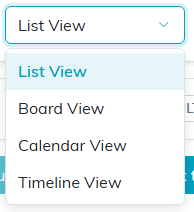
The dropdown in the title bar.
