Knowledge Base Article
What are Membership Levels and how do they work?
A membership level is the tier of a membership, such as Basic, Family, Student, Sustaining, or Lifetime. Levels let you group members, tailor communications, and report on your membership by tier.
How levels work in Argenta
Membership levels are set up as classification codes, so a level is a label you define and then assign to a member. Dues are not baked into the level itself: you record what a member actually pays through their member payments, and you track how long a membership runs with the term and renewal dates on the member record.
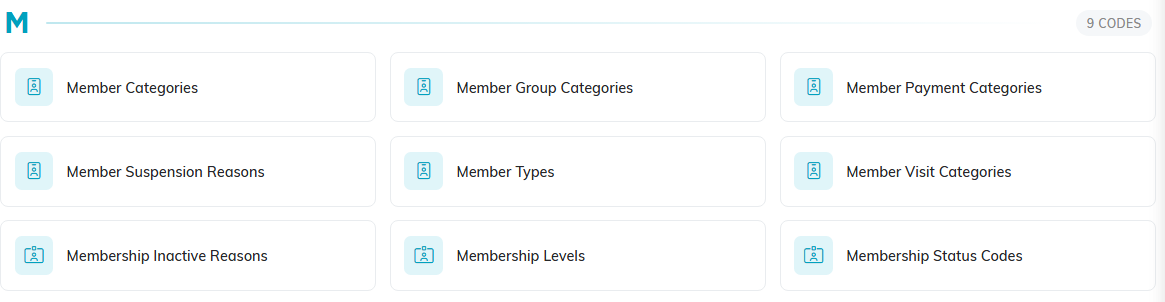
Membership Levels sits with the other member codes on Classification Codes.
Assign a level to a member
- Open the member record and go to Member Details.
- Choose the Membership Level. If the level you need is not listed, you can add it right from the dropdown.
- Click Save All Changes & Continue or Save All Changes & Exit.

The orange add icon adds a level you do not have yet.

Save when you are done.
Level vs. Type vs. Category
Member Details has three related classifications, and you can use them together:
- Membership Level - the tier (for example Basic, Gold, Lifetime).
- Member Type - the kind of member (for example Individual, Organization, Honorary).
- Member Category - any extra grouping you find useful, by interest, profession, and so on.

All three sit on the same row of Member Details.
