Knowledge Base Article
What are User Roles and Permissions in Argenta?
Argenta controls what each person can see and do through a set of Yes or No permissions on their user record, plus reusable roles you define yourself. There is no fixed ladder of built-in roles to pick from, which means access can be shaped to how your organization actually works.
The three layers
- Account-wide permissions on the user record, covering things like administration, exporting, and view-only access.
- Module permissions, one per area of Argenta, which decide whether that person can work in Fundraising, Events, Volunteerism, and so on.
- Record-level permissions on individual records, for the occasional record that needs protecting regardless of the above. See How To Set Record Level Permissions.
Account-wide permissions
Open Settings > System Users and open a person's record. Each of these is a Yes or No switch:
- Master Admin. Full access to everything, including every dashboard. Give this out sparingly.
- Subscription Admin. Access to the subscription and account settings.
- Master Builder. Required to add, save, and delete records in several modules, so somebody can have access to an area and still not be able to change anything without it.
- View Only Access. They can look, but not change anything.
- Report Manager and Can Export Lists To Excel. The export button simply does not appear for people without the export permission.
- Restricted by Chapters, Divisions, Departments, and District Precincts. Turn one of these on and the person only sees records tagged to the areas you have granted them. This is how a chapter-based organization keeps each chapter to its own data.

The account-wide switches, here on a role. The same set sits on each person's user record.
Module permissions
Below those sits a manager switch for each area of the system: Constituent Manager, Donation Manager, Event Manager, Grant Manager, Member Manager, Participant Manager, Volunteer Manager, Finance Manager, Expense Manager, Materials Manager, Products Manager, Orders Manager, Project Manager, Workflow Manager, Marketing Manager, Program Manager, Staff Manager, Mail Room Manager, Password Manager, Portal Manager, Property Manager, Contract Manager, Partner Manager, Client Manager, Delegate Manager, Auction Manager, Mission Trip Manager, Websites Manager, and more.
Turn on only the ones a person's job needs. Someone without a module's manager permission is bounced to an access-denied page if they reach one of its pages by link.
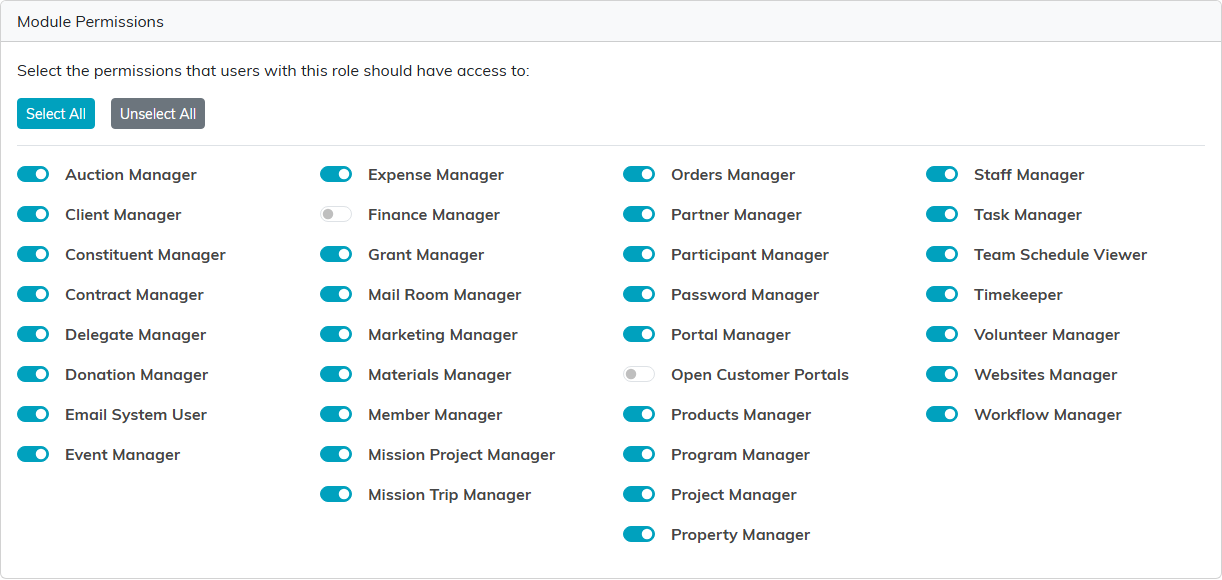
One switch per area, with Select All and Unselect All above them.
User roles
Setting two dozen switches for every new hire gets old quickly, so Argenta lets you bundle them into a role and apply that instead.
Roles are yours, not ours. You create them, name them to match your organization, and describe what each is for. Real examples from other organizations look like "Department Head" or "Full Administrator", but yours should say whatever makes sense to your team.
- Go to Settings > Subscription, then User Roles in the workspace menu.
- Add a role, give it a Role Name, a Description, and a status, then set the permission switches the way that job needs them.
- Apply it from Our Argenta Users: select the people, choose the role, and use Update Selected User Roles.
Writing a real description is worth the minute it takes. Six months on, "this role is for staff who lead a department and need management permissions" tells the next administrator what they need to know; a bare role name does not.

User Roles sits in the Subscription Settings menu.
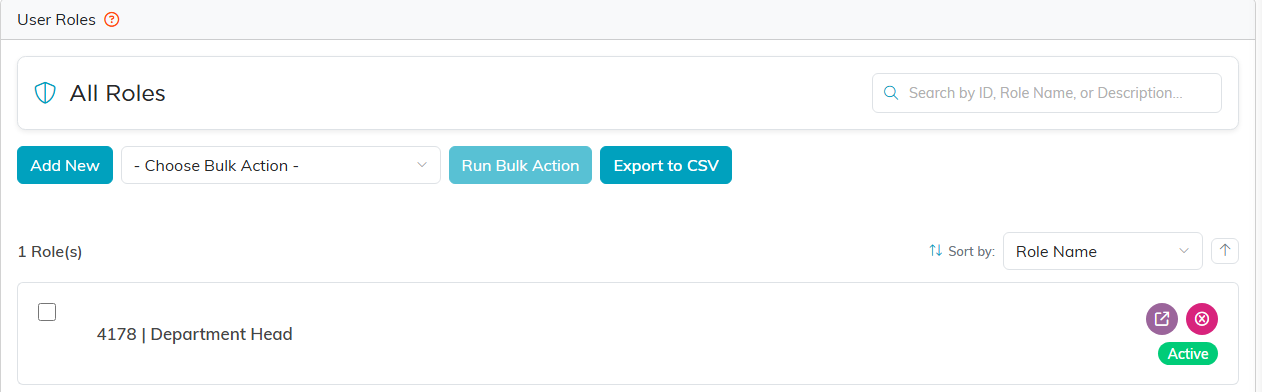
Add New starts a role. The list shows every role you have built.
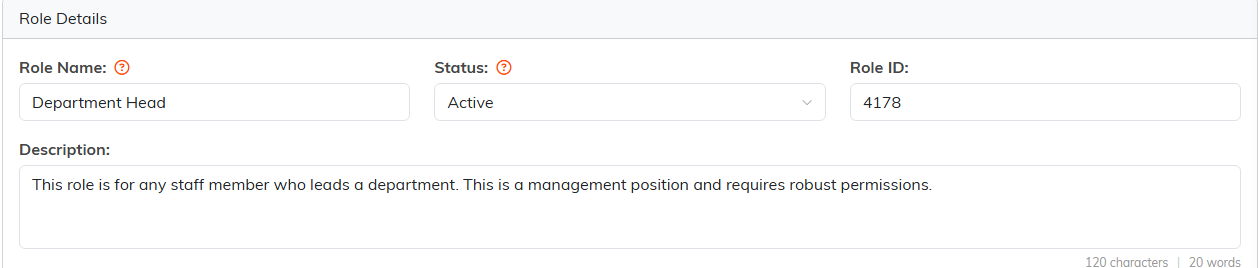
Name the role, set its status, and write a description the next administrator can use.
A sensible starting point
Give each person the access their job needs and nothing more. Opening access up later is a two-minute job; working out why somebody saw something they should not have is not.
