Knowledge Base Article
How to Configure and Use Fiscal Year Settings
Argenta supports organizations whose fiscal year does not match the calendar year. In Argenta a fiscal year is a label you assign to financial records so they group by your organization's reporting periods. It is not a start-date you set once; you pick the fiscal year on each record (budgets, grants, and donations) so the numbers roll up the way you report them.
Adding and managing fiscal years
Fiscal years are one of Argenta's classification codes.
- When you create or edit a budget or a grant, the Fiscal Year field is a dropdown. If you have permission to manage codes, you can add a new fiscal year right there using the orange add (+) icon.
- You can manage the full list under Classification Codes in the left sidebar (look for Fiscal Years). Add the labels your organization uses, for example a year like 2026 or a label like FY2026.

The Fiscal Year dropdown on a budget. The highlighted orange plus adds a new one.
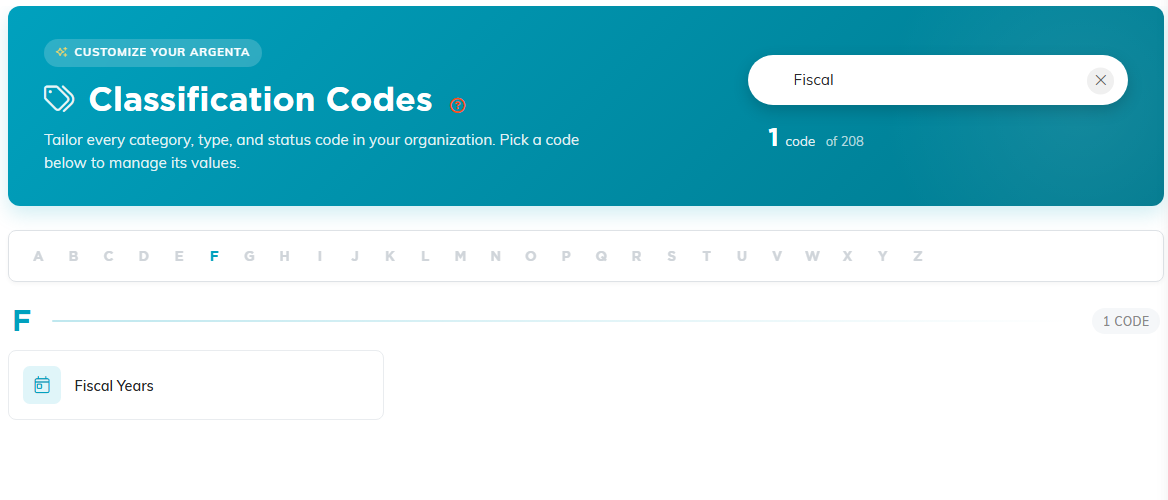
Fiscal Years under Classification Codes, found here by searching.
Where fiscal year is used
- Budgets – each budget has a Fiscal Year, and you can filter the Budgets list by it. One budget per fiscal year can be marked Default for Reports so your reports pull from the right budget.
- Grants – grants carry a Fiscal Year you can set and filter on.
- Fiscal Donations – under Fundraising > Donations, the Fiscal Donations view lists donations with gross and net totals, and you can filter and export them.
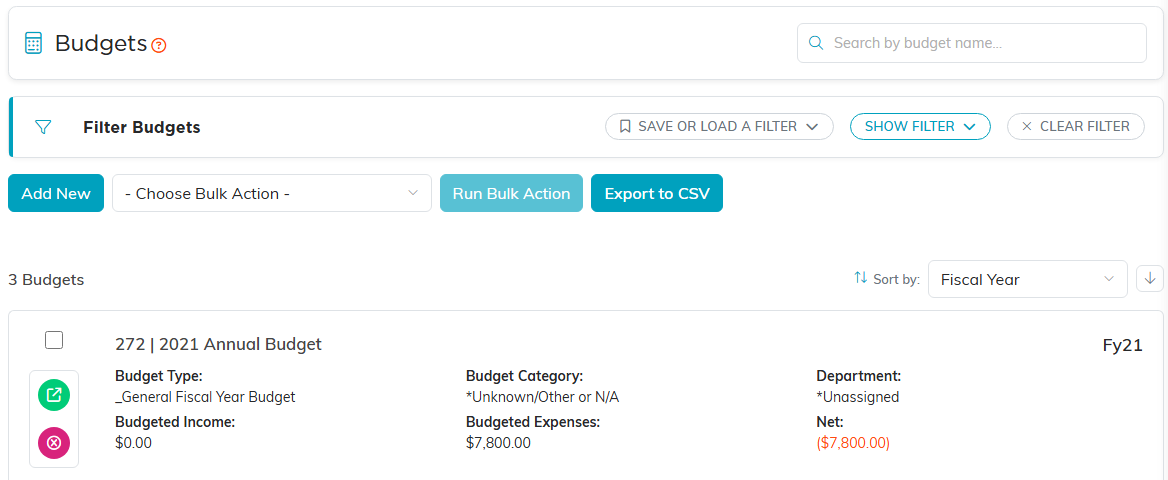
The Budgets list. Each budget shows its fiscal year on the right.

Default for Reports decides which budget a report uses when a fiscal year has more than one.
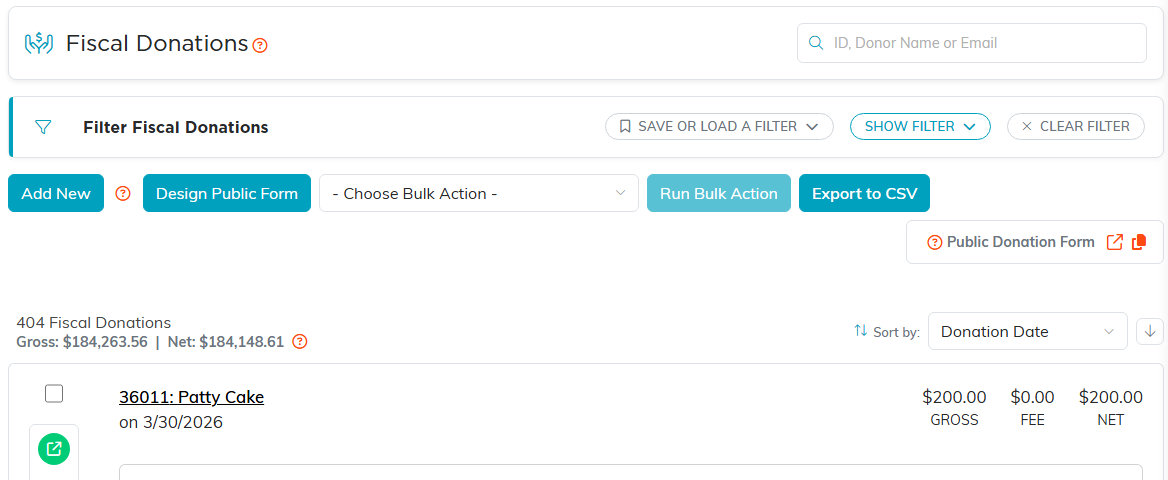
Fiscal Donations, with the gross and net totals above the list.
Reports
Financial reports that are fiscal-year aware let you choose the fiscal year for the reporting period, and export the results for your records or an audit.

On Budget to Actual the fiscal year travels with the budget you pick.
A note on how it works
Because a fiscal year is a label you assign, a record only counts toward a fiscal year once you set that field on it. There is no separate screen that shifts every date automatically. When your organization's fiscal year changes, add the new fiscal year to your Classification Codes list and start assigning it to new records.
