Knowledge Base Article
How Your Supporters Register and Place Bids
Your supporters bid on your auction online, from their own phone or computer. Here is what they see and do, so you can help if they ask.
Open the auction form
You share a link to your public auction form. When a supporter opens it, they see your auction and all of its items.
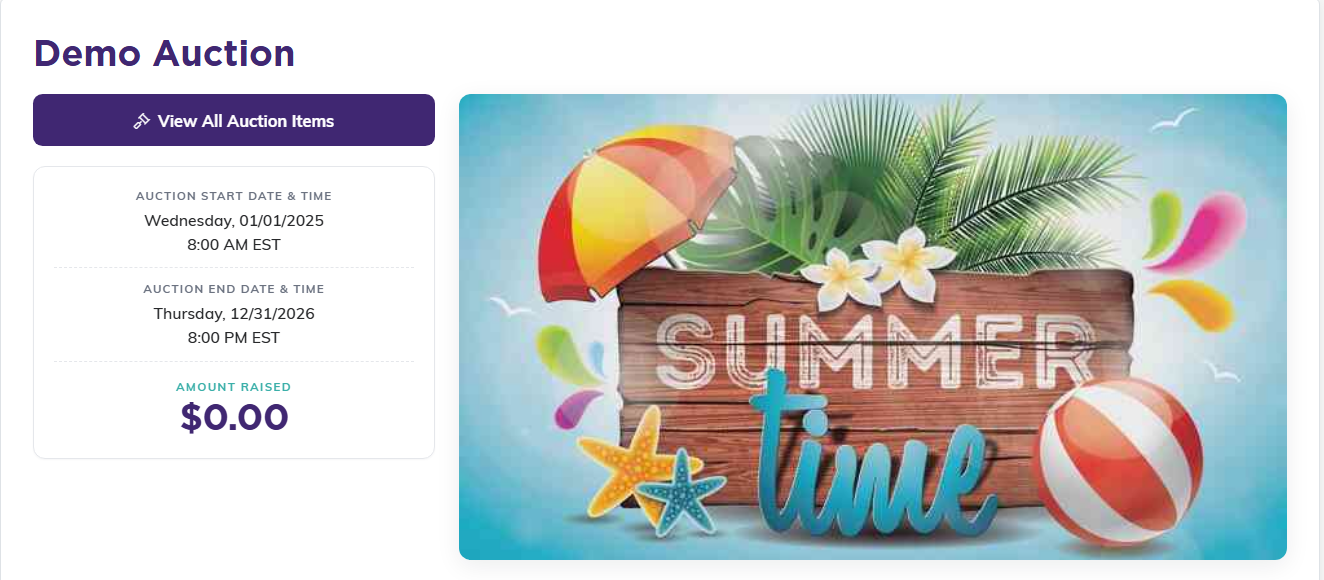
This is the page your link opens.
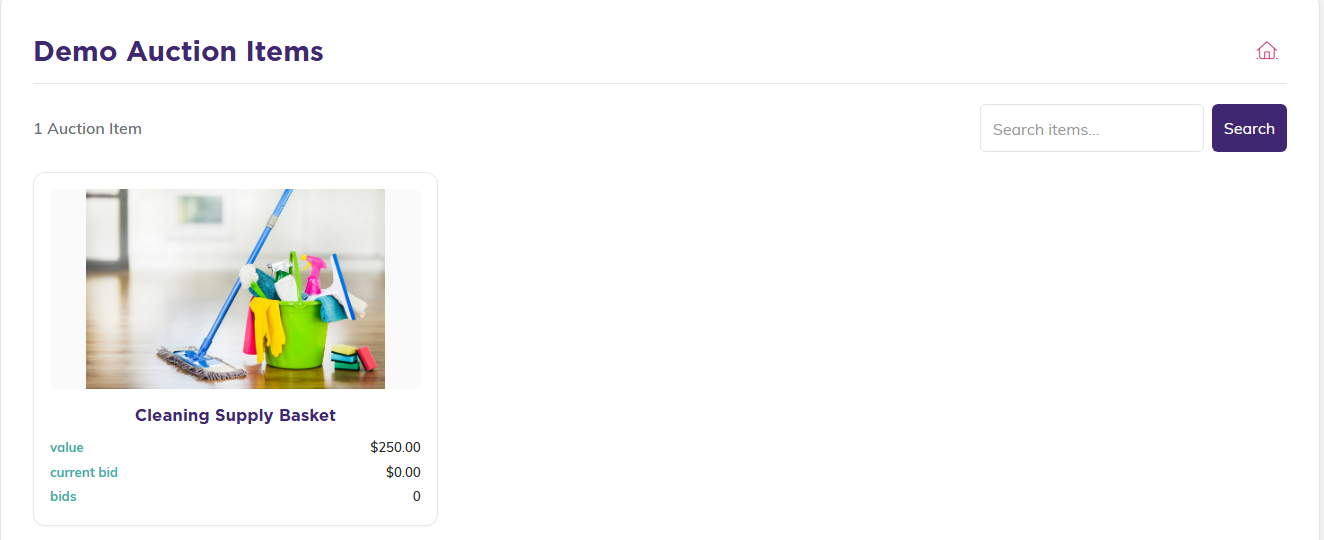
View All Auction Items shows everything up for bid.
Register a card to bid
Before anyone can bid, they register once:
- They start the registration to bid.
- They enter their name and email.
- They enter a credit or debit card, which is kept safely on file.
The card is not charged to register. It is only used if they win.

Until they register, this is what a supporter sees on an item.
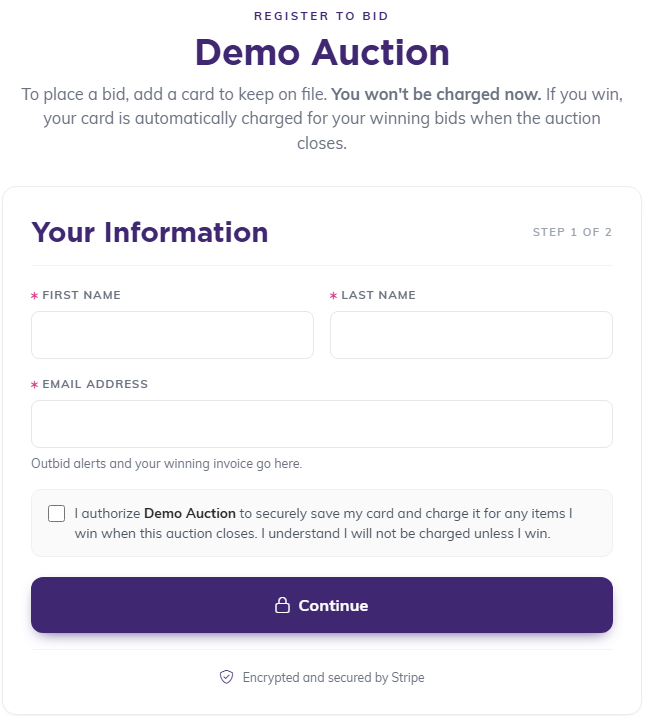
Step one takes their name and email, plus the card authorization.
Place a bid
- They open an item they like.
- They see the current bid and the next bid amount.
- They enter their bid, at least the next bid amount shown, and submit it.
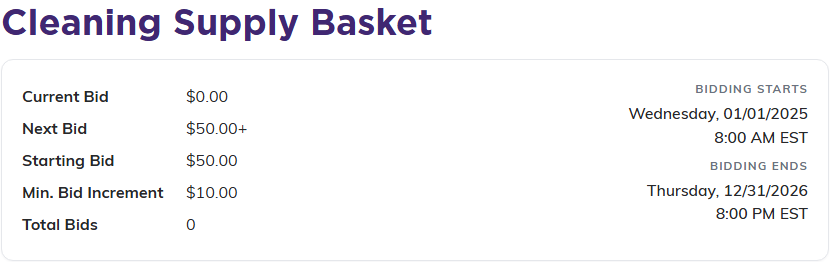
Every item shows the current bid and the next bid they need to beat.
Stay in the lead
When a bid goes through, the bidder gets a confirmation email. If someone outbids them later, they get an outbid notice so they can come back and bid again.
Winning
When the auction closes, the highest bidder on each item wins. The card on file for the winning bidder is charged automatically, so there is no extra step for them to pay.
