Knowledge Base Article
Tips for Creating Auction Items That Sell
Good auction items get more bids. A few simple touches make a big difference in how much your items raise.
Use a clear photo
- Add a bright, clear photo to every item.
- Show it close up and in good light.
- Items with photos get far more attention than items without.
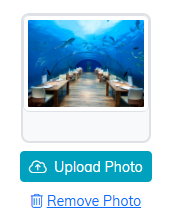
Upload Photo sits under the item's picture.
Write a description people want to read
- Say exactly what the winner gets.
- Include the fun part, like the experience or the story behind it.
- Keep it short and easy to read.
- List the details that matter, like dates, sizes, or limits.
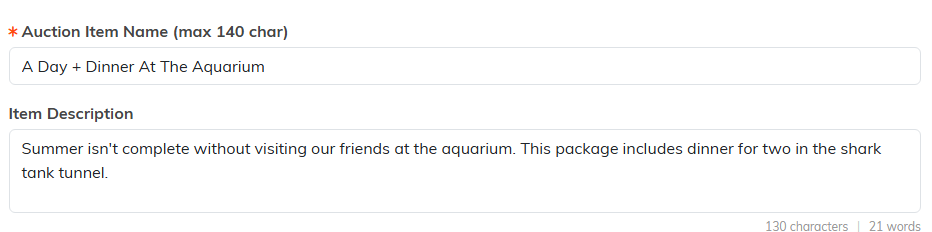
A short, specific description does more work than a long one.
Price it to invite bids
- Set the starting bid around 30 to 50 percent of the value.
- A lower start invites more people to jump in.
- Use a bid increment that fits the item's value.

Value, starting bid and increment sit in one row on the item.
Help bidders find it
- Give the item a clear, simple name.
- Set the item type and category so it is easy to browse.
- Turn on Currently Public Item so bidders can see it.

Type and category are how bidders browse.
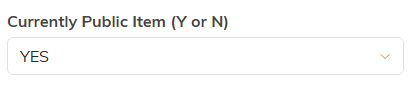
Currently Public Item has to be YES for anyone to see it.
One last check
Before you go live, open your public form and look at each item the way a bidder would. If it looks good to you, it will look good to them.
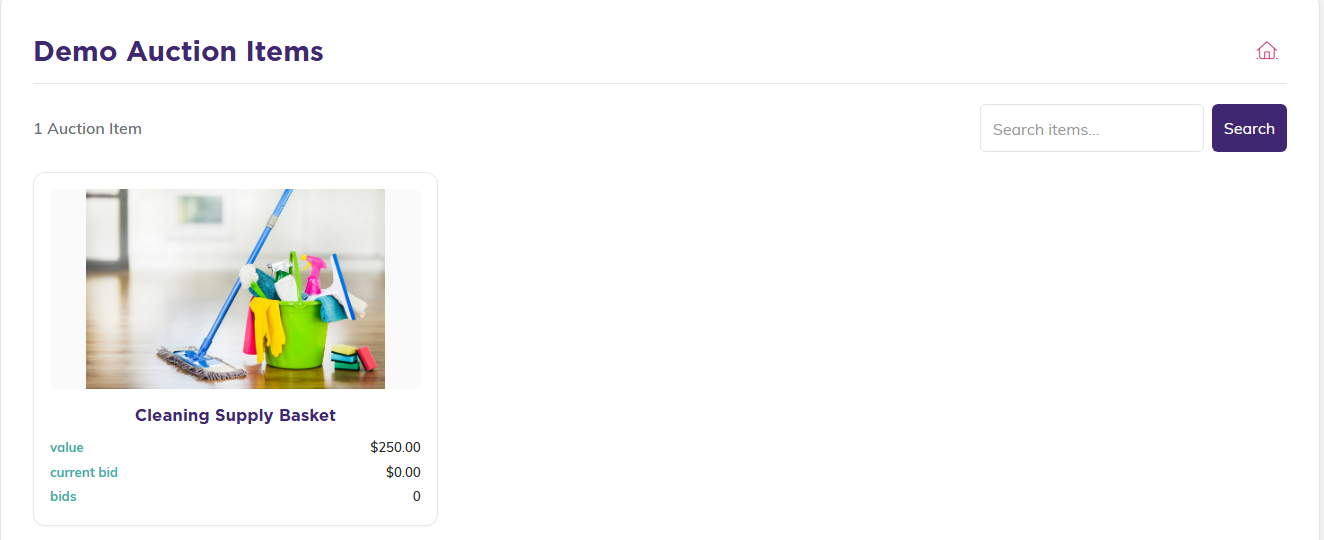
This is the view your bidders get.
